

Alo Yoga
Alo Vest

LoongBuy spreadsheet categories: every find in one place, by section and brand.
Alo Yoga
Alo Vest

Vetements
Vetements Target Hoodie

2006 season Portugal third retro Fan version

Alo Yoga
Alo Pants

Undercover Bags

Balenciaga
Balenciaga Alaska Fur Boots
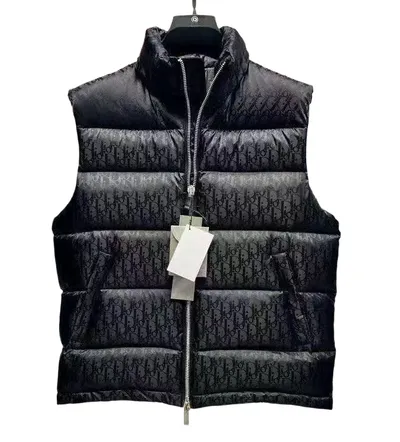
Dior
Dior Vest
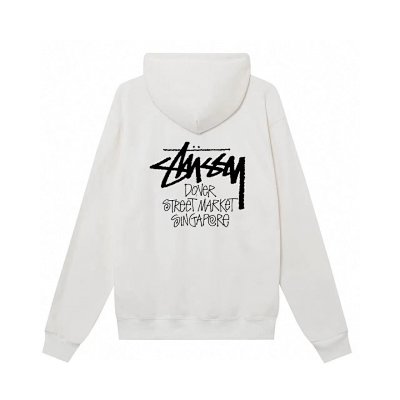
Stussy
Stussy Hoodie

Vivienne Westwood
Vivienne Westwood T-Shirt
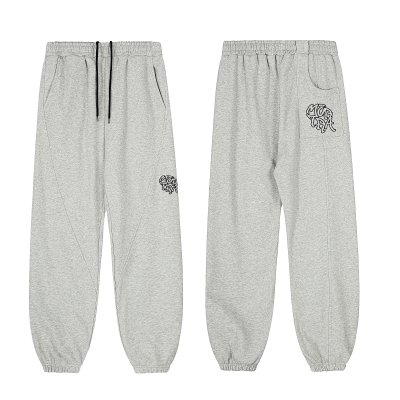
Mertra
Mertra Pants

Supreme
Supreme Mask

Crocs
Crocs Shoes

Corteiz
Corteiz Vest
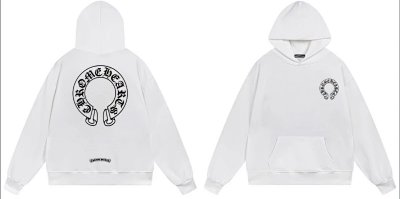
Chrome Hearts
Chrome Hearts Hoodie
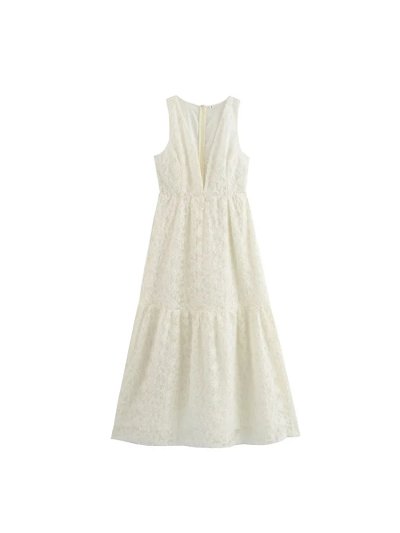
Zara
Zara Dress

Corteiz
Corteiz Pants

Louis Vuitton
Louis Vuitton Duffle Bag
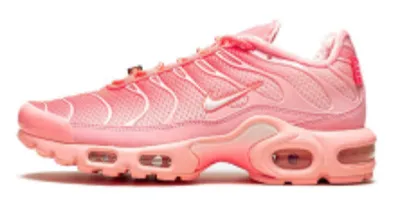
Nike
Nike Air Max Plus TN

Gucci
Gucci Jacket

ERD
ERD psychic hoodie

Dior
Dior Tee

Alo Yoga
Alo Skirt

Calvin Klein
Calvin Klein Hat
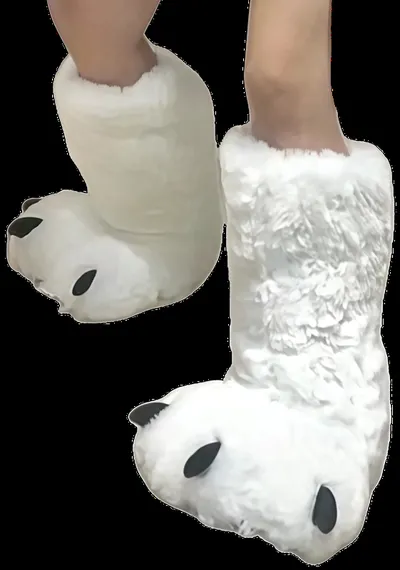
Furry Slides

Carhartt
Carhartt Detroit Jacket
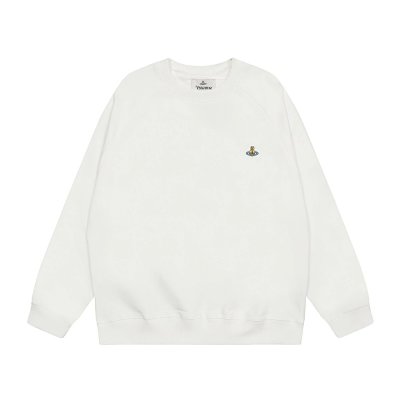
Vivienne Westwood
Vivienne Westwood Crewneck

Gallery Dept
Gallery Dept Pants

Armani
Armani Rose Milano

J'Adior Slingback High Heels

Alo Yoga
Alo Vest

Alo Yoga
Alo Hoodie
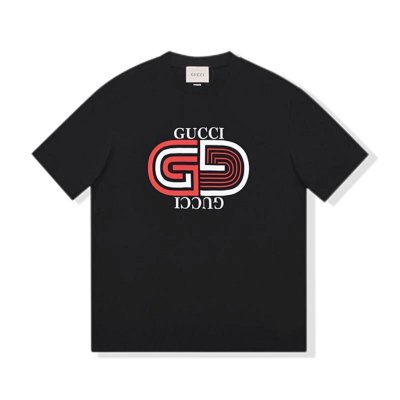
Gucci
Gucci Tee

CK99 Curved Pants

Gucci
Gucci Tie

Off White
Nike Dunk Rubber x Off-White (Green Strike)

Alo Yoga
Alo Vest

Broken Planet
Broken Planet Zip Up Hoodie

Gallery Dept
Gallery Dept Tee

Alo Yoga
Alo Pants

Omega
Omega 【Constellation】
| Category | Finds | Median | Typical range | With QC photos |
|---|---|---|---|---|
| Shoes spreadsheet | 1,570 | $58 | $35–$86 | 356 |
| Jackets spreadsheet | 1,047 | $48 | $17–$102 | 106 |
| Hoodies spreadsheet | 935 | $24 | $18–$50 | 169 |
| Sweaters spreadsheet | 202 | $36 | $22–$62 | 39 |
| Shirts spreadsheet | 2,985 | $16 | $11–$27 | 374 |
| Pants spreadsheet | 735 | $30 | $19–$59 | 140 |
| Shorts spreadsheet | 498 | $18 | $9–$31 | 79 |
| Sets spreadsheet | 351 | $26 | $16–$59 | 53 |
| Accessories spreadsheet | 900 | $17 | $6–$80 | 322 |
| Electronics spreadsheet | 33 | $67 | $6–$191 | 6 |
| Home & Decor spreadsheet | 128 | $22 | $6–$64 | 26 |
Seller prices in USD. The typical range is where 8 in 10 of a category's listings fall.
 16 QC photos
Alo Yoga
Alo Hoodie
 115 QC photos
Survet Flared joggers
 132 QC photos
Hermes
Hermes Belt
 52 QC photos
Ralph Lauren
Ralph Lauren Sweater
 12 QC photos
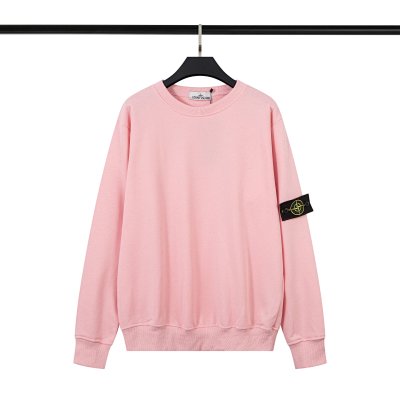
Stone Island
Stone Island Hoodie
 56 QC photos
Essentials
Essentials Set
 88 QC photos
Arcteryx
Arcteryx Alpha SV
 153 QC photos
Essentials
Essentials Shorts
 126 QC photos
Acne Studios
Acne Studios Longsleeve
 4 QC photos
Casio
Casio [G-SHOCK]

New to LoongBuy?
New LoongBuy users get up to $300 in coupons.
Every find on this spreadsheet opens straight on LoongBuy, so an account is the only thing standing between a find and an order. Creating one through this site's link is free, and it is how the spreadsheet and the QC finder stay free for everyone.
Free to join · independent site, not run by LoongBuy · new-user offer as LoongBuy advertises it; its coupons carry minimum spends and expiry dates
The LoongBuy spreadsheet holds 9,384 finds across 11 categories and 105 brands. Every listing shows the seller's price and links straight to the same item on LoongBuy, so you go from browsing to ordering in one click.
Finds with QC photos on record are listed first in every category. For the rest, each find's page checks the public QC databases for its exact listing, or paste any link into the LoongBuy QC finder yourself.
The one you can check before you pay. Look for three things: every find links to its exact listing on LoongBuy, you can see the seller's photos, and you can see what other buyers actually received (QC photos). This one has 9,384 finds in 11 categories and 105 brands, 1,670 of them with QC photos on record.
Finds with QC photos on record come first in every category, so the ones you can check before buying are the first you see.
No, it is a website instead. A Google Sheet of 9,384 rows is slow on a phone and shows no photos; here every find has its photos, you can search by brand or item, and each one opens straight on LoongBuy.
Because no buyer's warehouse photos of that exact listing are in the public QC databases yet. Each find's page checks again when you open it, and you can paste any link into the LoongBuy QC finder here.
Open a find and press Buy on LoongBuy. It opens that listing on loongbuy.com, where you choose the size and colour and pay; LoongBuy buys it from the seller and photographs it at its warehouse.


